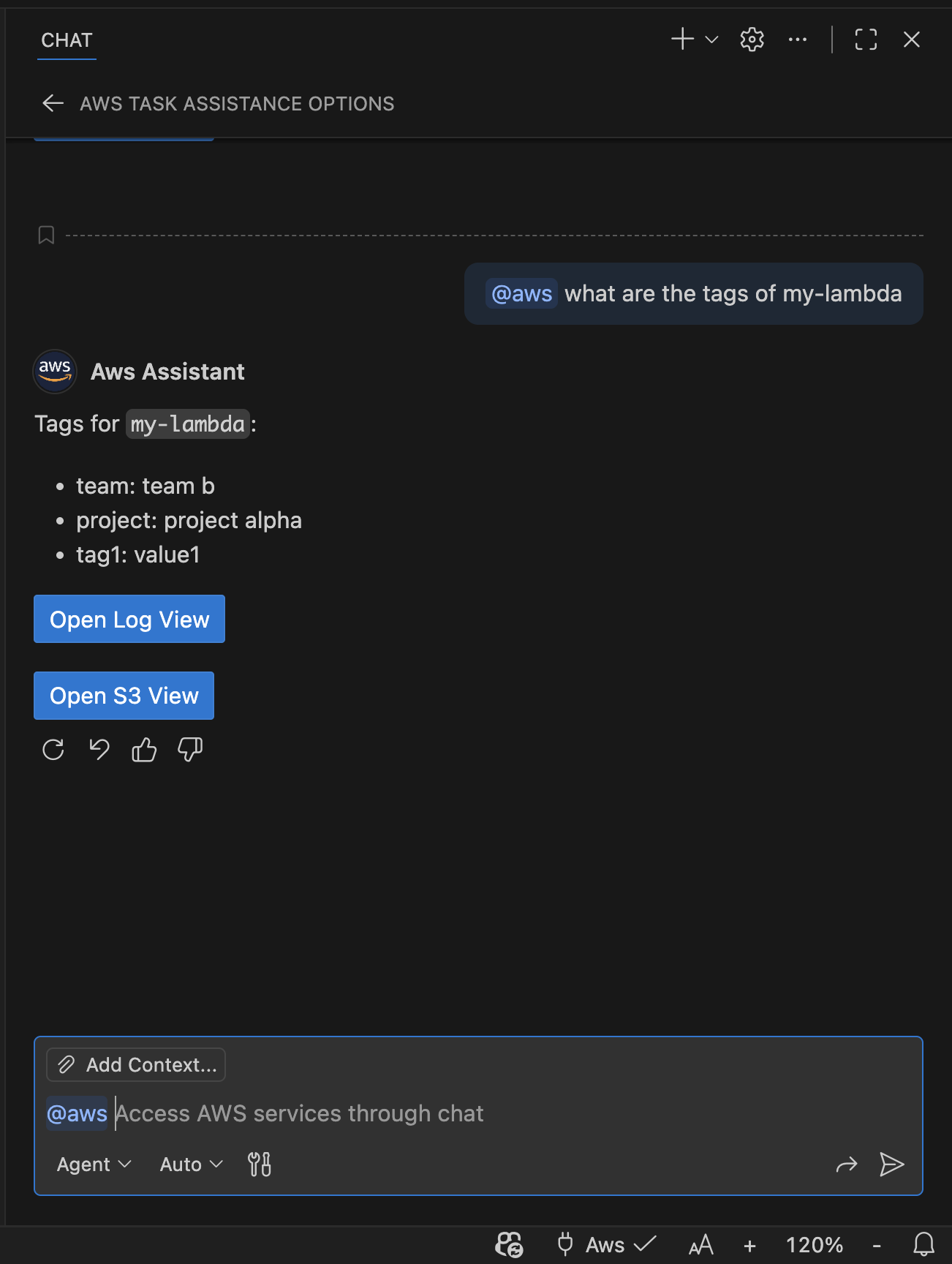
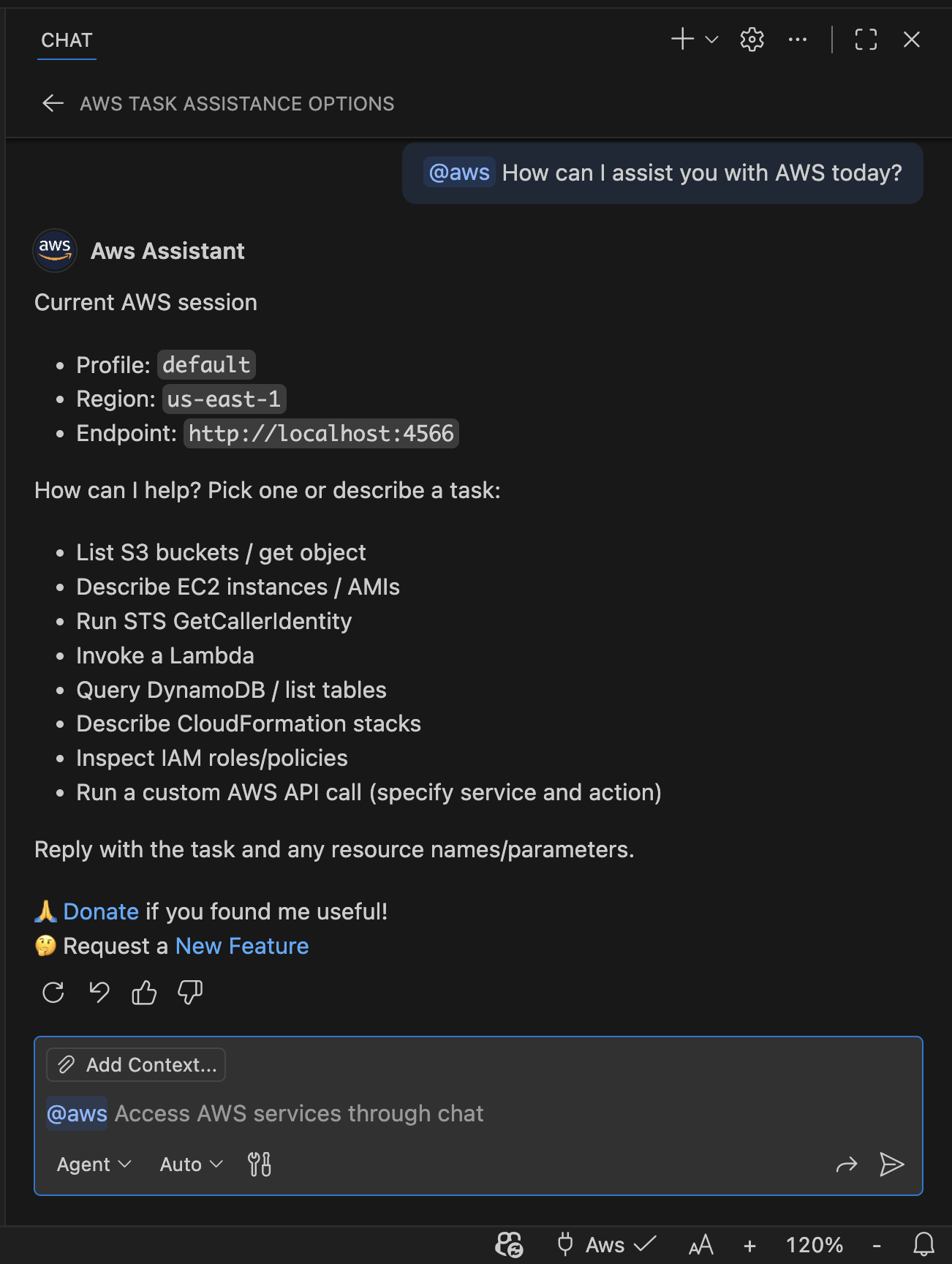
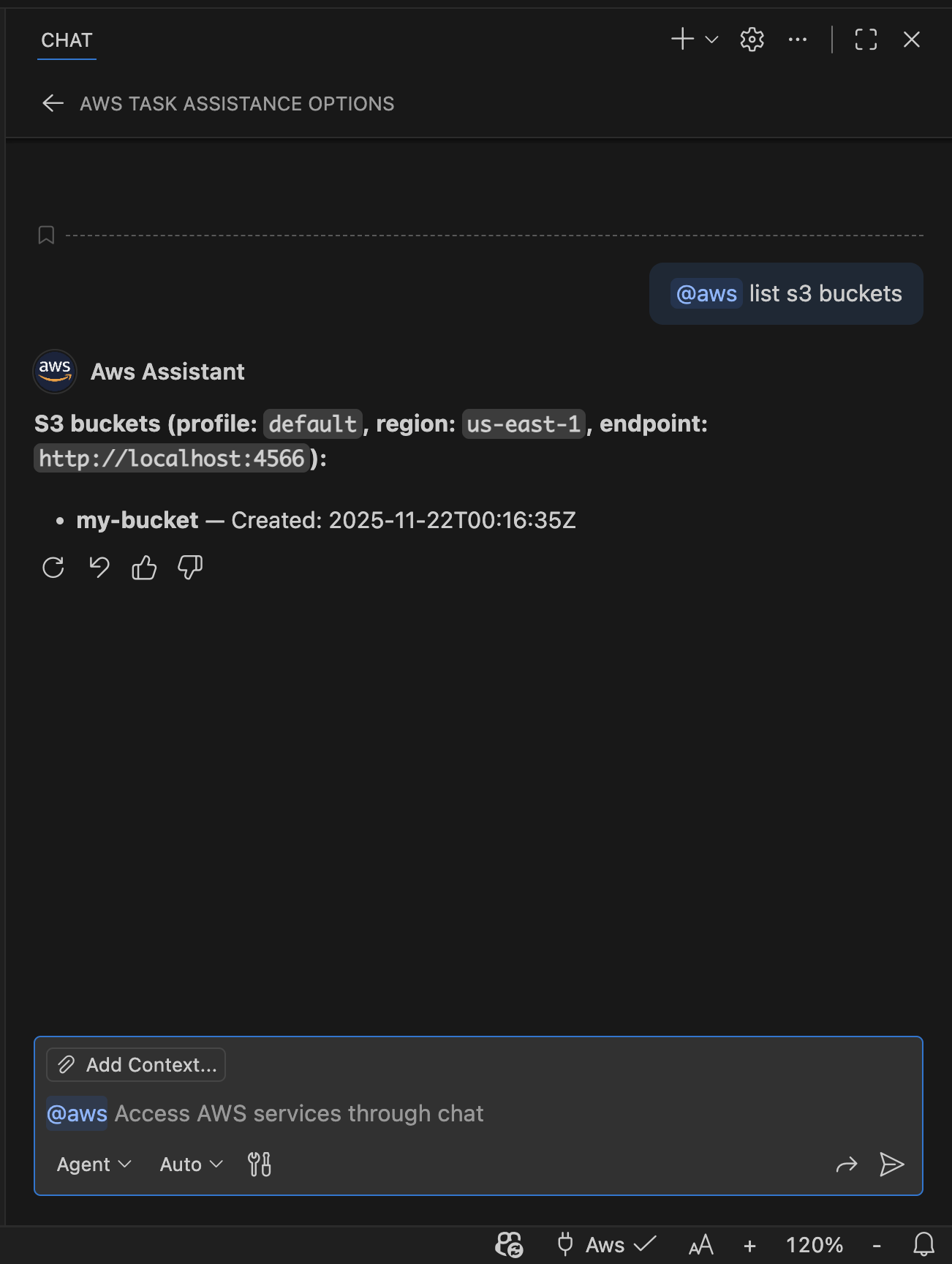
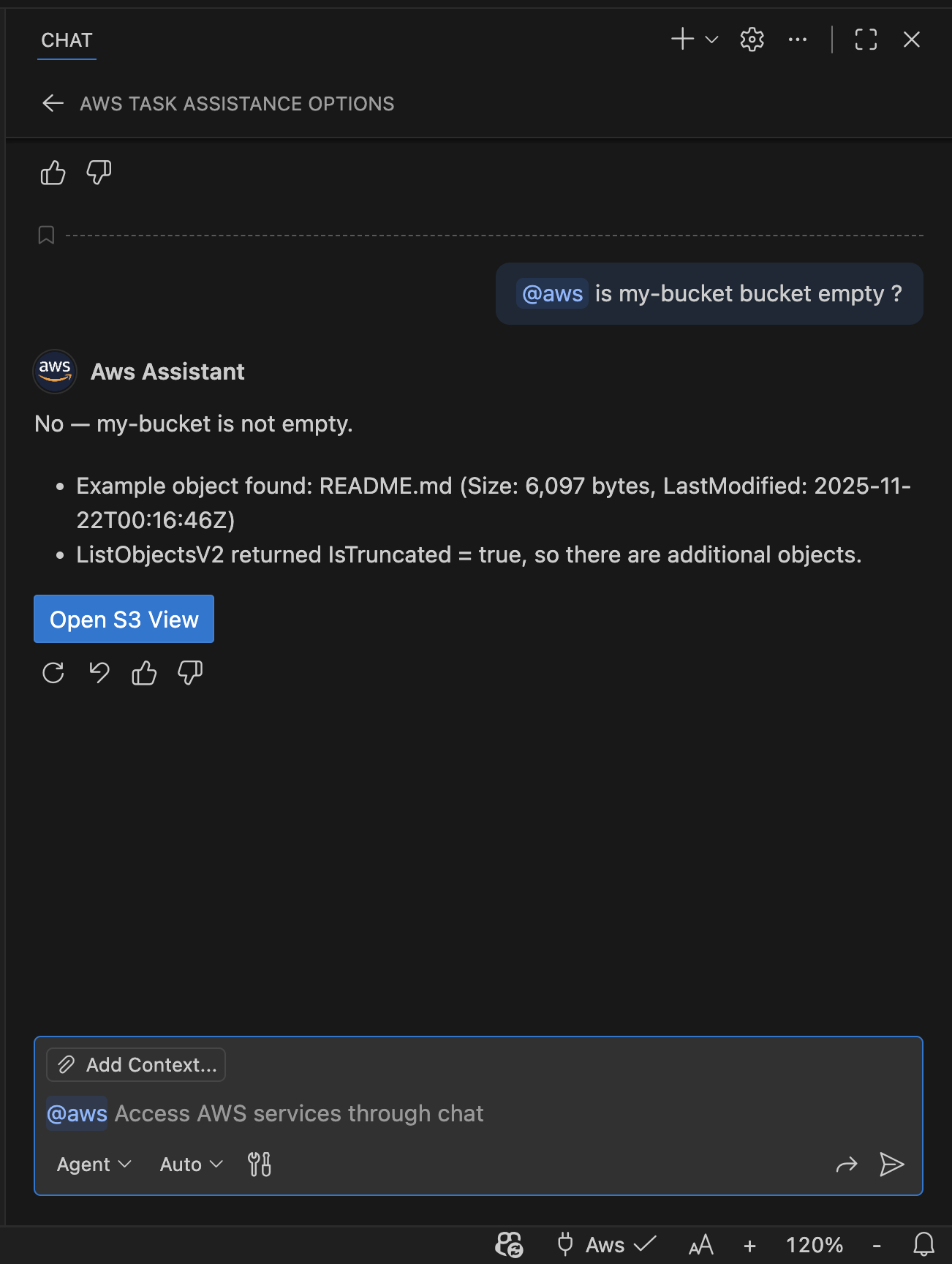
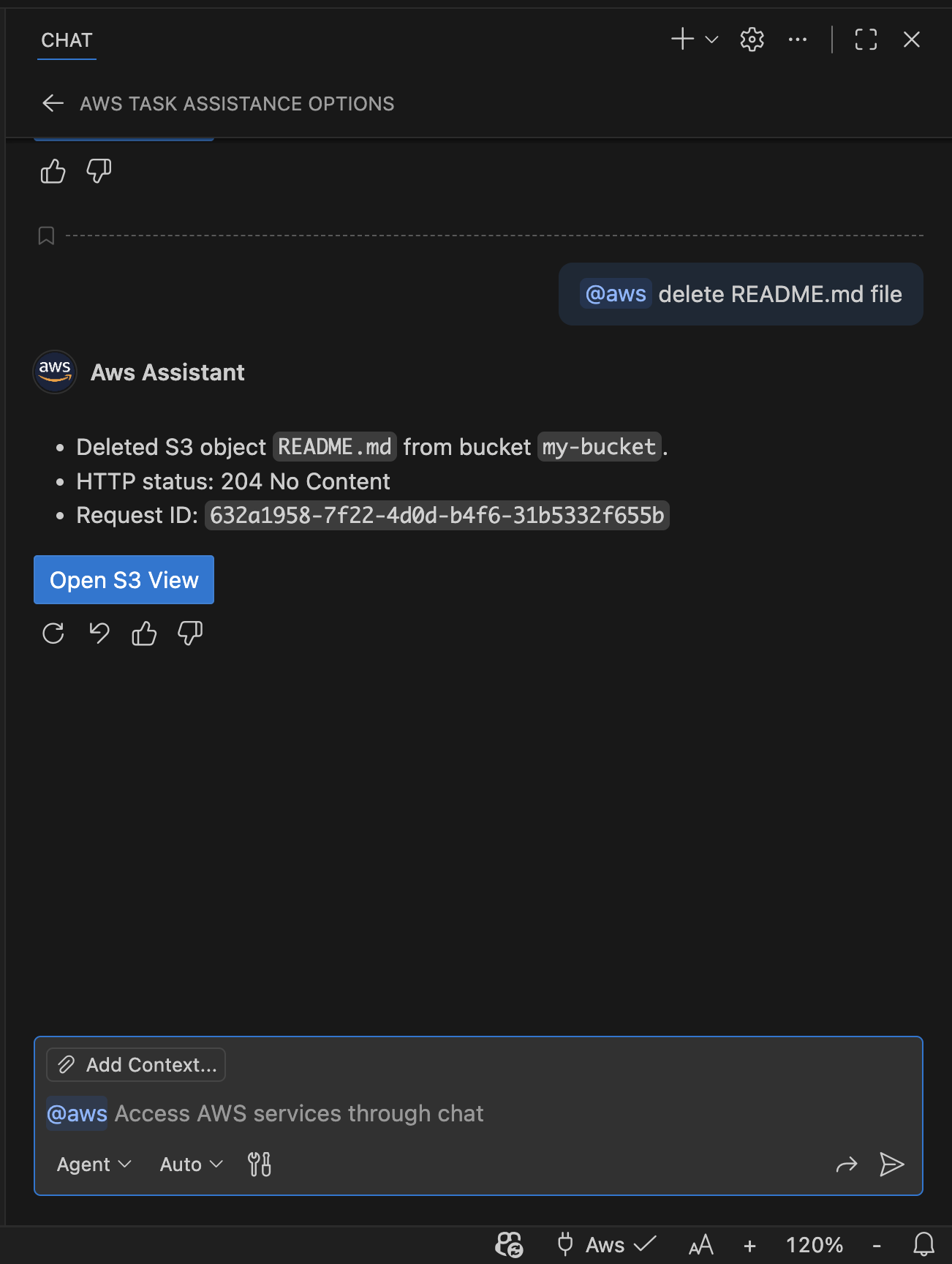
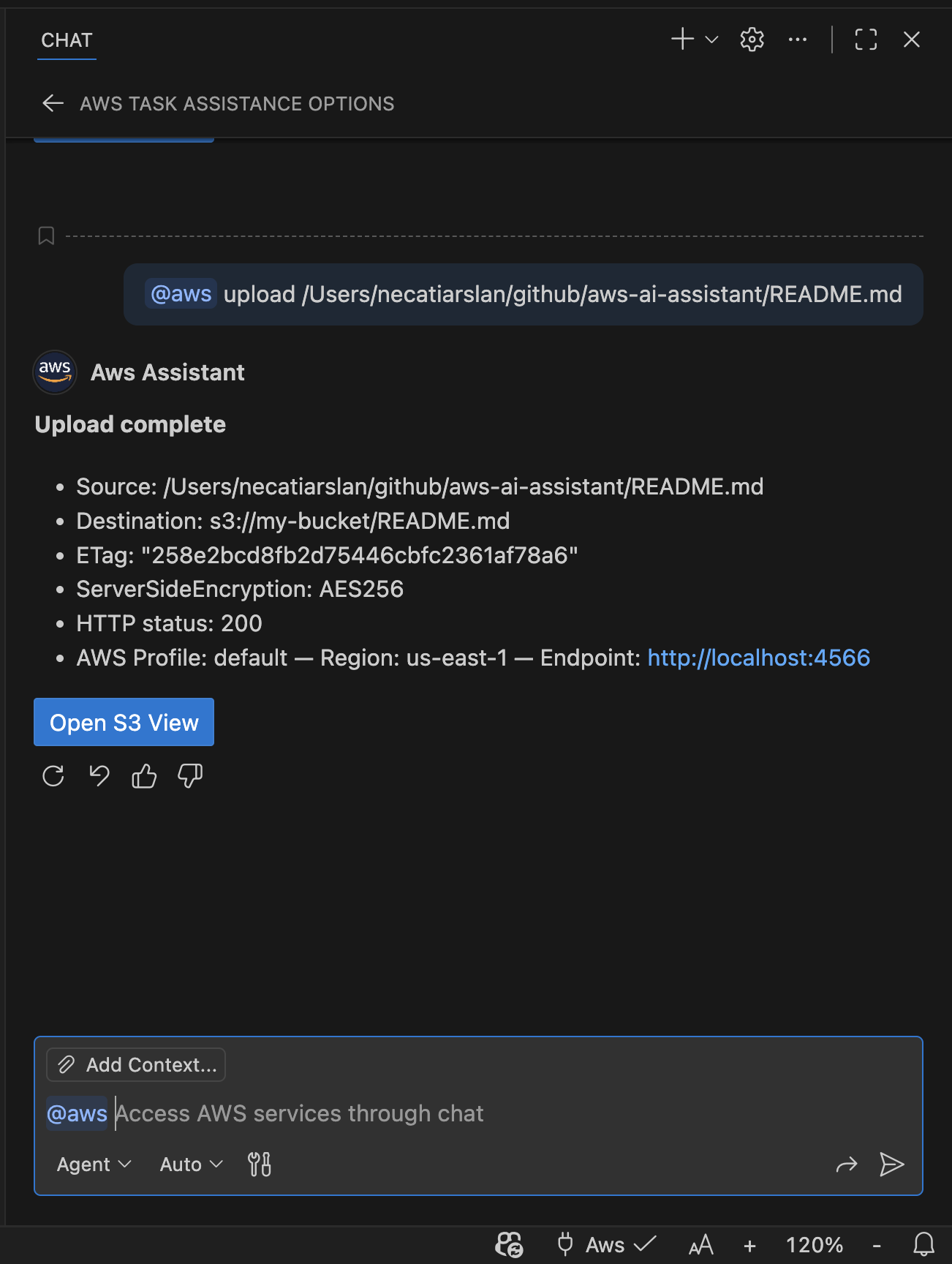
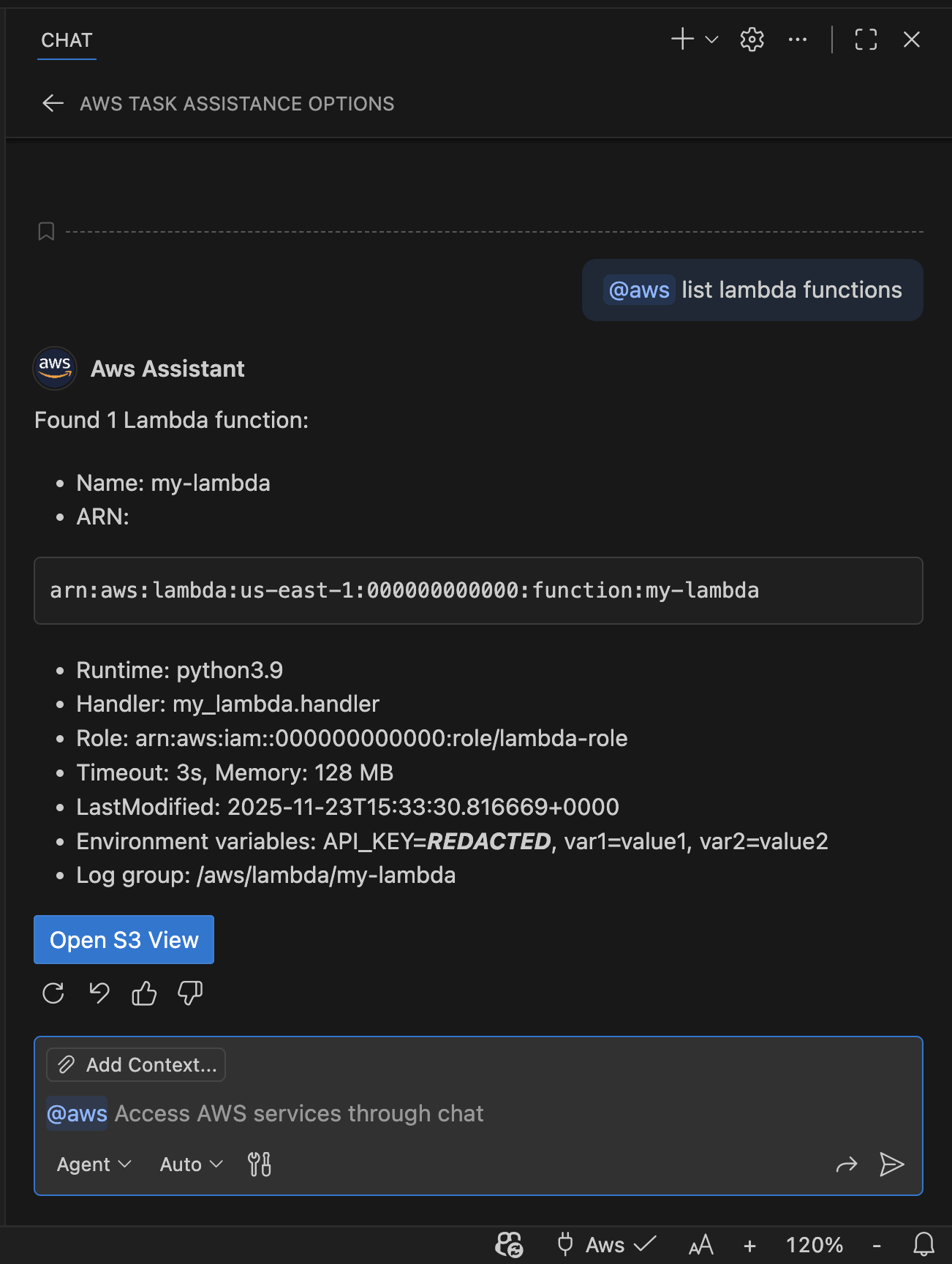
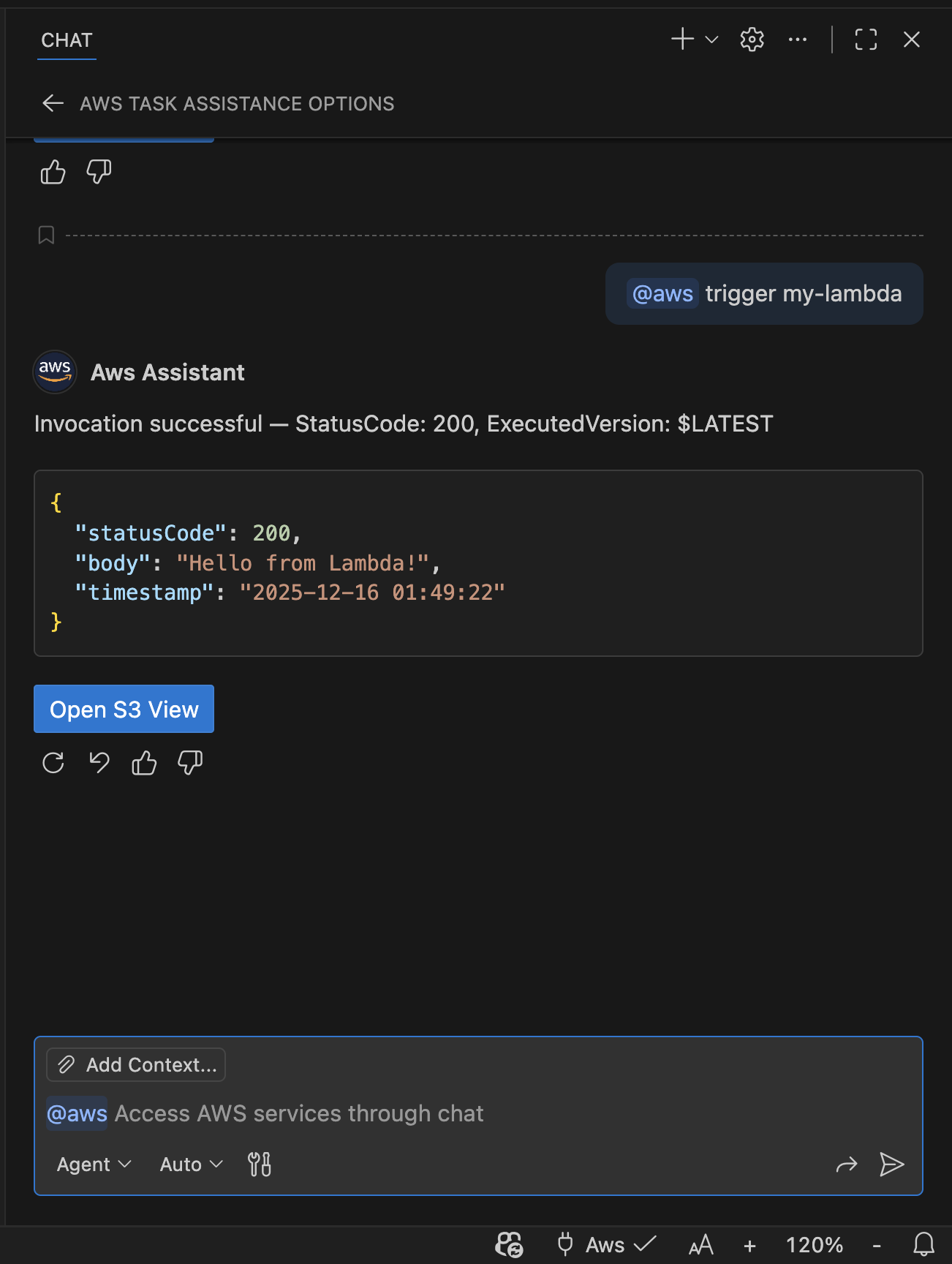
Awsflow is a free VS Code extension that brings AWS interaction into your chat experience. Use natural language to inspect and operate your AWS resources — no SDK knowledge required.
Free to install and use with up to 20 AWS calls daily. Need unlimited access? Upgrade for $19.99.
Why Awsflow?
Stop memorising CLI flags and SDK signatures. Just describe what you want and Awsflow handles the rest.
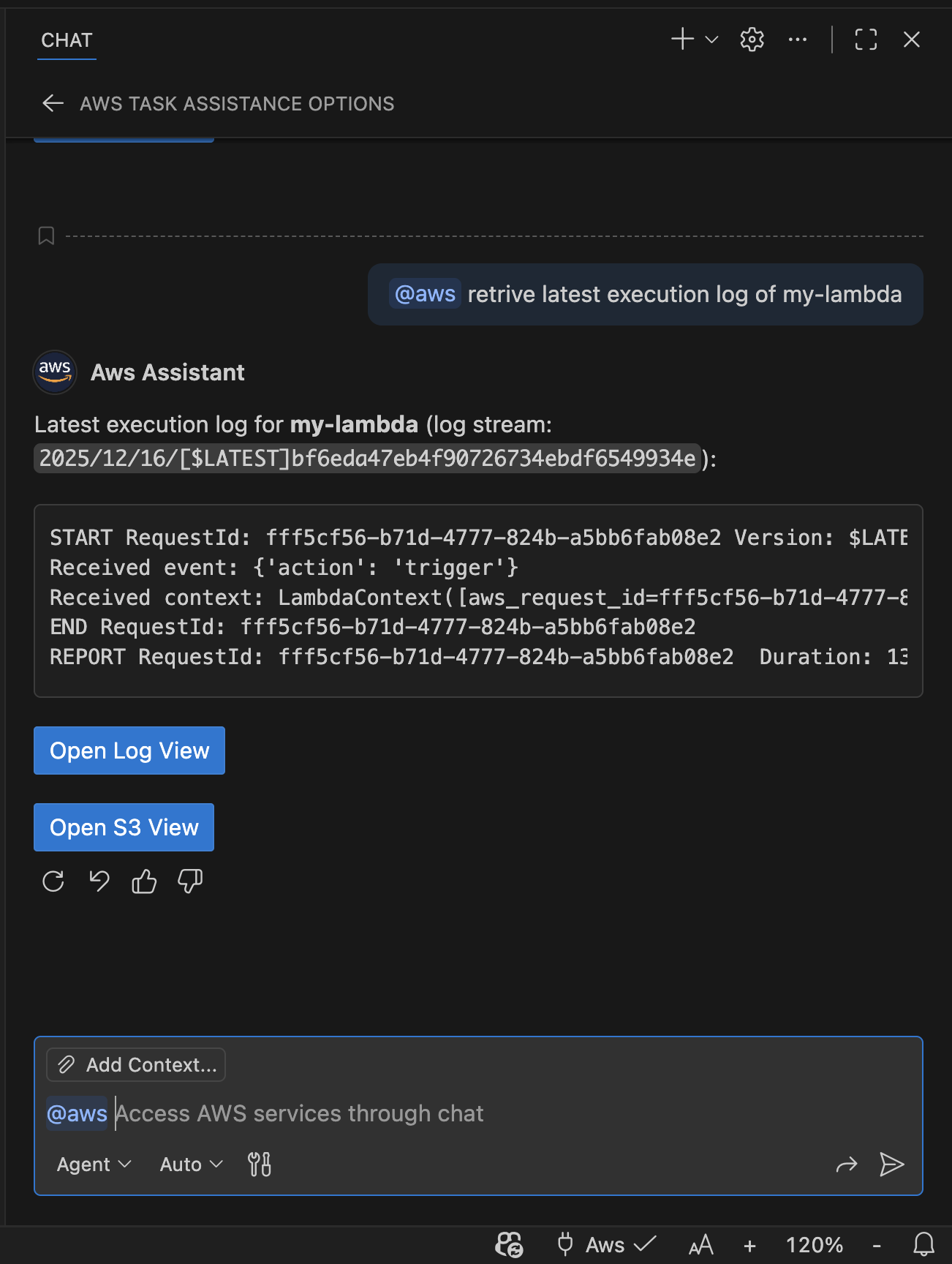
Ask questions in plain English. "List my S3 buckets", "tail the latest Lambda logs", "describe EC2 instances in us-west-2" — it just works.
Authenticates via the standard AWS SDK provider chain — CLI profiles, SSO, environment variables. Zero extra setup.
Your AWS credentials are handled locally and never sent to any external AI service. Read-only actions run immediately; mutating actions always ask for your confirmation first.
Use Agent/Plan Mode for autonomous multi-step tasks, or Ask/Edit Mode with the @aws prefix for quick queries. Pick the workflow that fits your needs.
Run Awsflow as a local MCP server and connect any editor — Google Antigravity, Windsurf, Cursor, and more.
Every AWS API call is logged in the Command History panel and the Awsflow-Log output channel so you always know what happened.
Chat Modes
Awsflow registers AWS-aware tools that the AI assistant can invoke autonomously based on your request. Best for complex, multi-step operations and most everyday tasks.
@aws commandsPrefix your message with @aws and the assistant responds immediately with data or performs the action. Ideal for quick queries or when you don't have access to Agent/Plan mode.
Supported AWS Services
From storage to compute, databases to observability — all accessible through natural language.
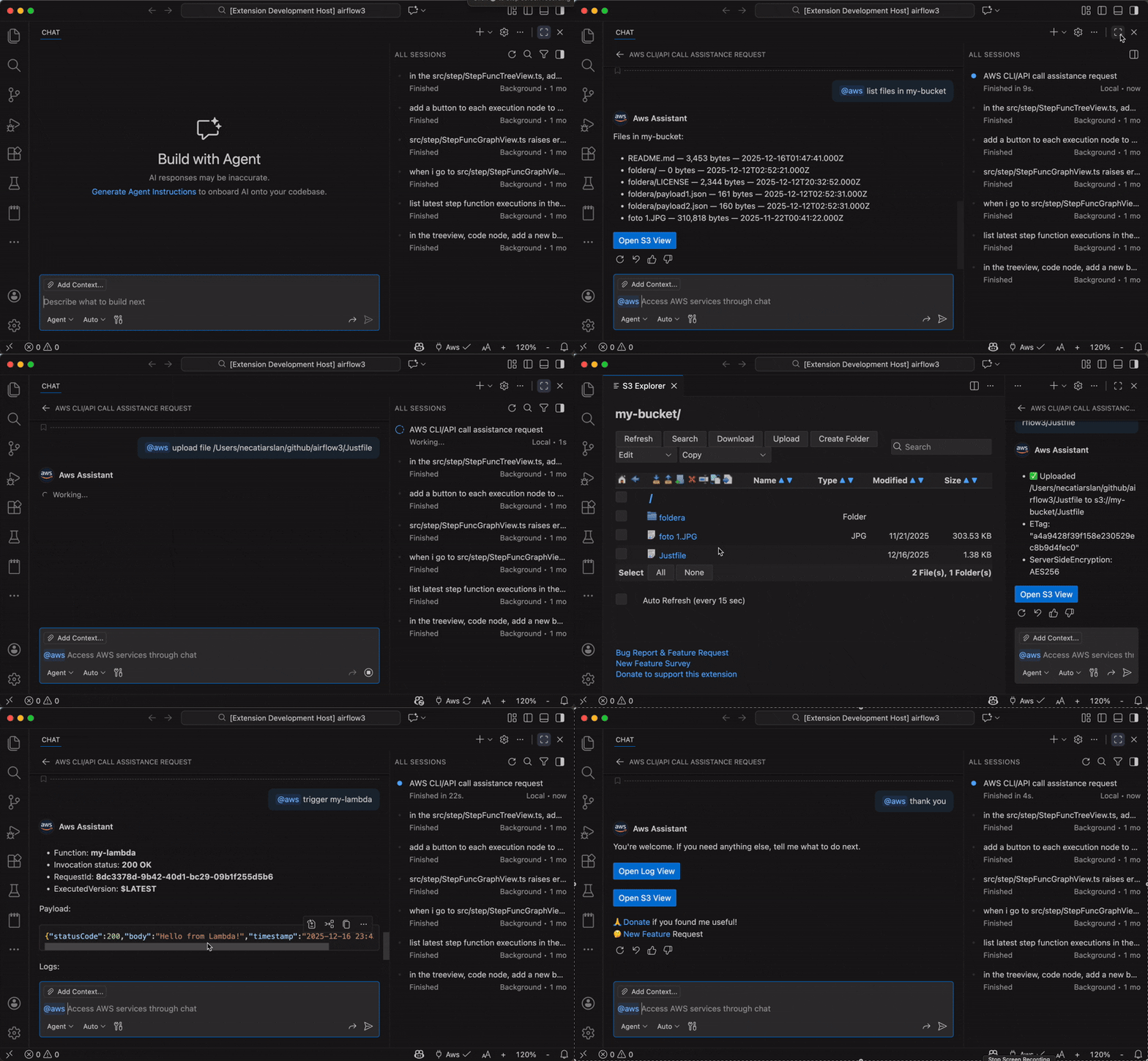
In Action
Quick Start
Make sure you have AWS credentials configured locally via the AWS CLI, SSO, or environment variables. Awsflow uses the standard SDK provider chain.
Search for Awsflow in the VS Code Extensions panel, or install it from the Marketplace. Free to install and includes up to 20 AWS calls daily. Upgrade to unlimited access for $19.99.
Click the 🔌 Aws button in the VS Code status bar and run Awsflow: Test AWS Connection from the Command Palette to verify access. Set your default profile, region, or a custom endpoint (e.g. LocalStack) if needed.
Open the VS Code Chat panel (use @aws in Ask or Edit Mode) and start asking: "List my S3 buckets", "Tail the latest CloudWatch log for /aws/lambda/my-fn", "Describe EC2 instances in us-west-2".
The assistant streams results and suggests follow-up actions. Mutating operations (create, delete, update…) always ask for your confirmation before executing.
MCP Support
Awsflow exposes a local MCP server so you can connect any editor or AI assistant that supports the Model Context Protocol.
Point your editor's MCP configuration to the Awsflow local server and get the same natural language AWS experience everywhere. Full setup instructions are in the MCP README.
FAQ
It uses your existing local AWS credentials via the AWS SDK provider chain — CLI config, SSO, environment variables, and more.
No. Credentials are not persisted outside VS Code global state. You can refresh or clear cached credentials at any time from the Command Palette.
Never. Your AWS credentials are handled locally by the extension and are not shared with any external AI service.
Mutating actions (create, delete, update, invoke, publish, etc.) always require your confirmation. Read-only actions are safe and run immediately.
Awsflow uses whatever permissions your active IAM profile has. We recommend least-privilege policies and verifying the active profile before any mutating operations.
Yes. Switch profiles anytime using the AWS selector in the VS Code status bar or via the Command Palette.
Awsflow is free to install and use up to 20 AWS calls daily. For unlimited access, you can upgrade for $19.99. AWS API calls may still incur standard AWS charges based on your usage.
Yes. Open the Command History panel or the Awsflow-Log output channel (View → Output) to see every API call and its response.
Free to install with up to 20 AWS calls daily. Upgrade to unlimited access for $19.99.